01
Start with a clean source
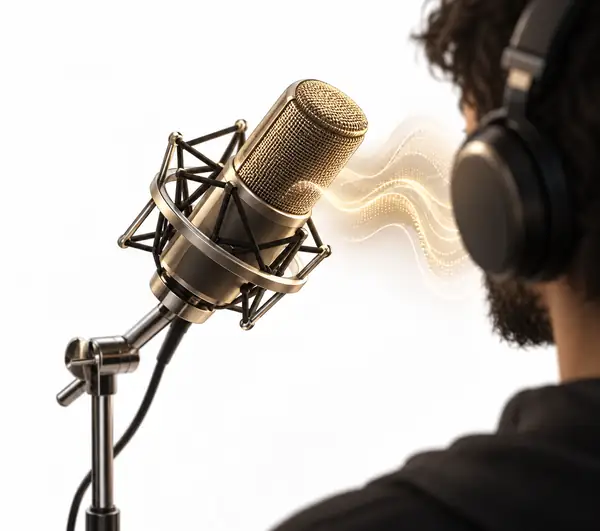
Clear speech gives an effect more room to work. Record in a quiet place, keep the microphone a comfortable distance away, and leave a short pause at the beginning and end so the useful audio is easy to identify.
Also explore: voice effects
















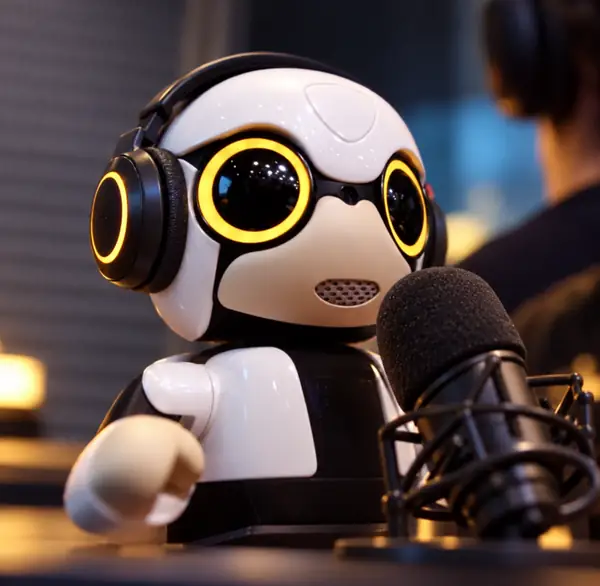








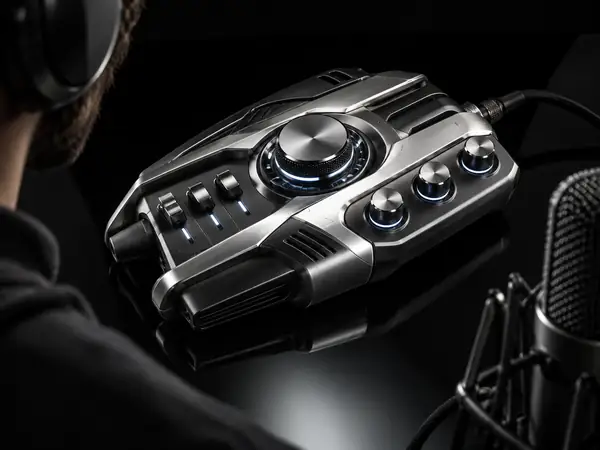
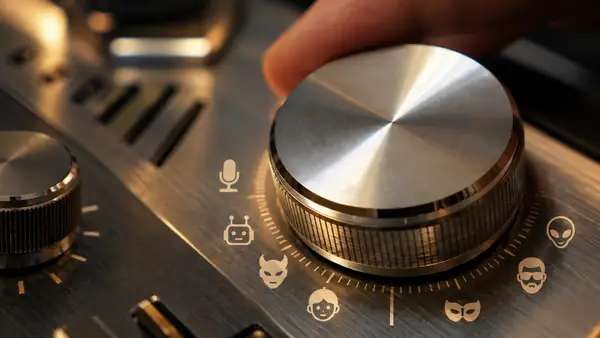
Start with the sound
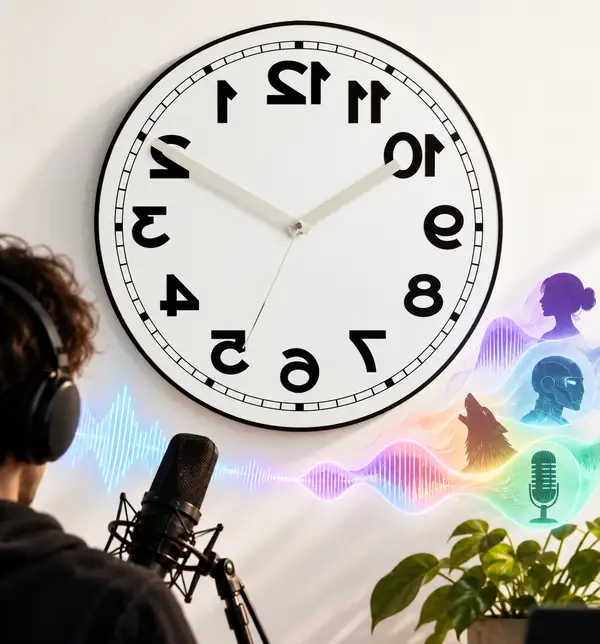
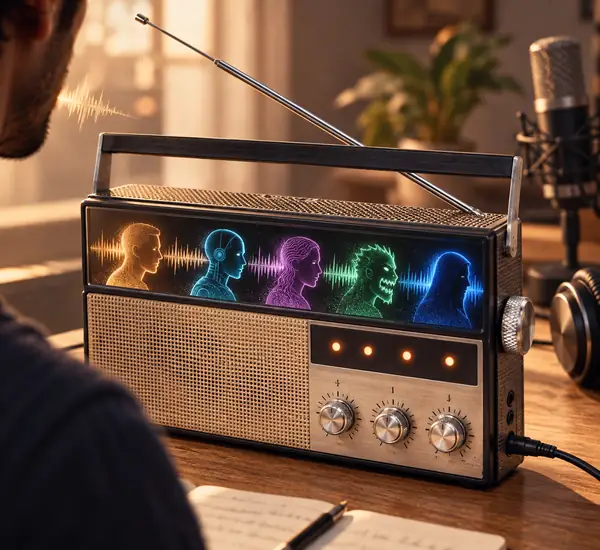
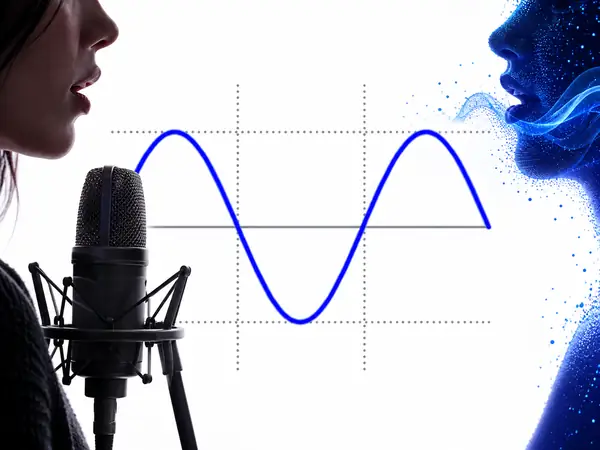
A voice changer reshapes the qualities that make a recording recognizable: pitch, timing, resonance, texture, and the space around the sound. The result can feel playful, mechanical, distant, deep, or bright while the words remain yours.
01
Clear speech gives an effect more room to work. Record in a quiet place, keep the microphone a comfortable distance away, and leave a short pause at the beginning and end so the useful audio is easy to identify.
02
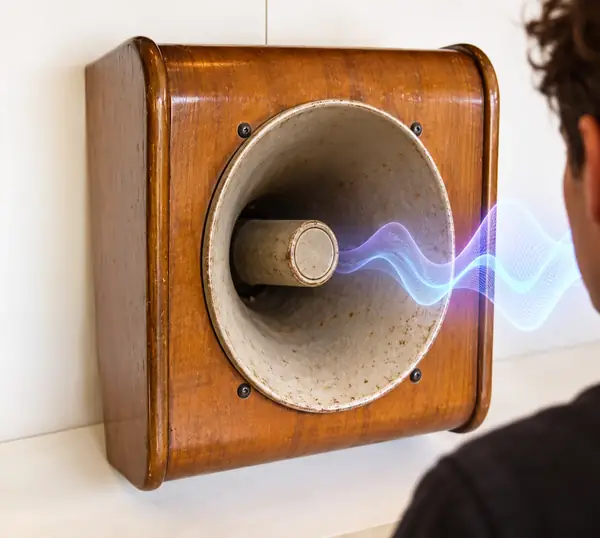
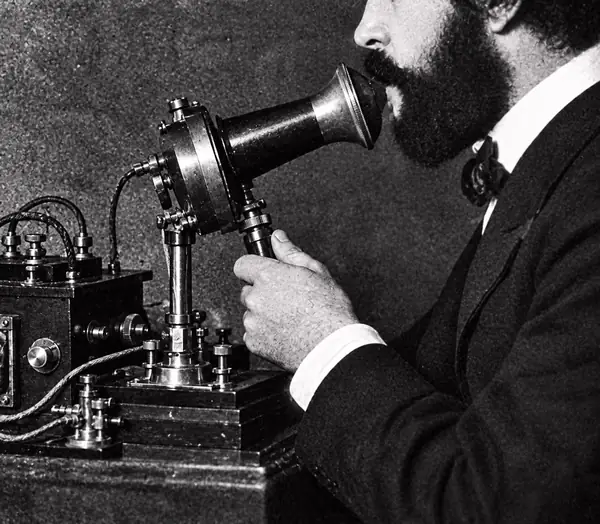
Deep, fast, echoing, metallic, and telephone-like effects each emphasize a different part of the voice. Try a short phrase first, then adjust your delivery to match the character you want.
03
Check that consonants are understandable, that the effect is not clipping, and that background sound is appropriate before using a changed recording in a clip, call, or creative project.
Find your sound
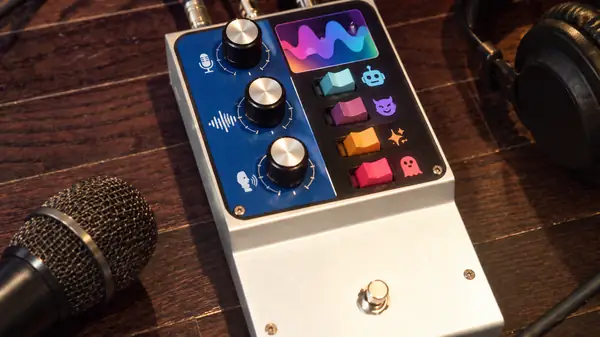
The best effect depends on the moment. A short character line can benefit from a bold transformation, while narration usually needs a lighter touch that preserves every word. Browse the gallery above, or continue when you are ready to test a real recording.
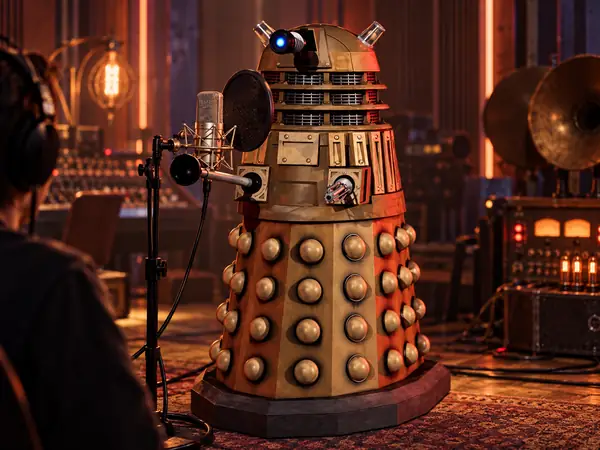
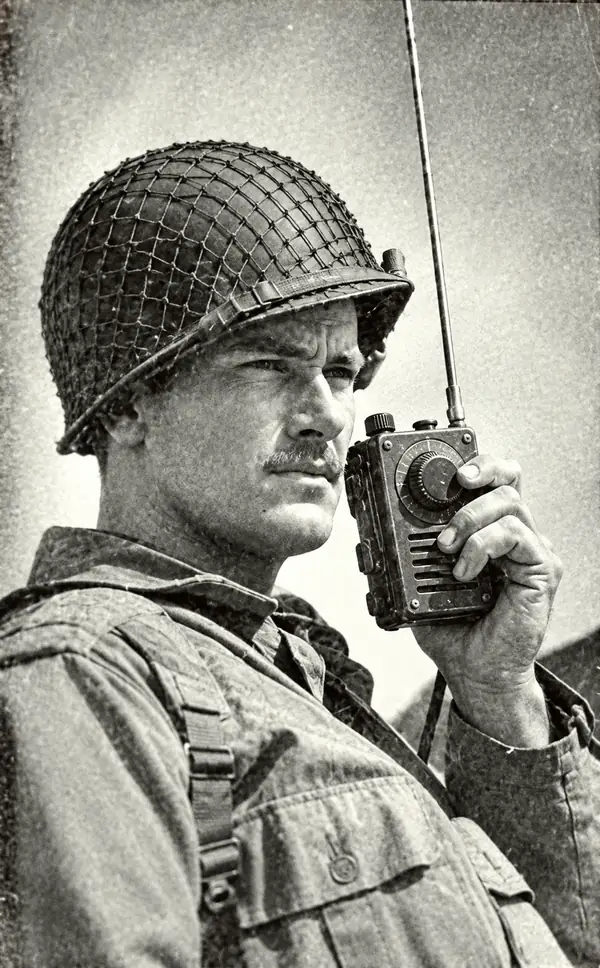
Try a voice effectMonster, alien, robot, and tiny high voices are useful when a short line needs an unmistakable identity. Keep the sentence compact and let the effect provide the contrast.
For a narrated clip, start with a moderate pitch or texture change. A restrained radio, room, or echo treatment can add atmosphere without hiding the pacing and words.
If a voice changer is used during a live conversation, check the result with the people listening. Latency, clarity, and the rules of the service matter as much as the sound itself.
Reverse, wobble, speed, and noisy effects are useful for creative experiments. Save the original recording so you can compare the processed version and return to the clean source later.
Before you continue
A voice changer gallery helps you choose a direction, but a conversion service may use a more specific workflow. The linked voice tool can ask for a source audio file and a reference audio file: the source contains the words to transform, while the reference supplies the vocal character to apply.
Keep both recordings clean and easy to understand. The current workflow accepts source and reference clips from 1 to 300 seconds, with each file no larger than 25 MB. Shorter clips are easier to review, and a quiet reference usually gives a more predictable result than a recording with music or several speakers.
Conversion time and usage can depend on the length of the source clip. The destination service bills at three times the source duration, so trim long silences before sending a file. Keep a local copy of the original audio and use voices you have permission to transform.
Quick answers
Yes, an online voice changer can be opened in a browser instead of installed as a desktop application. The exact input and output steps depend on the destination tool, so read its current upload and export instructions before beginning.
Start with the effect that matches the purpose of the recording. A robot or telephone effect makes a short line obvious, while a gentle pitch or room change is usually easier to understand in longer narration.
Not necessarily. A transformed voice can still contain identifying words, timing, background noise, or other context. Treat voice effects as creative processing, not as a guarantee of anonymity or privacy.
Use a clean source, remove long silences, keep the reference recording understandable, and listen back at a normal volume. If an effect makes speech muddy, try a shorter clip or a less extreme transformation.
Ready to listen?
Use the gallery for inspiration, then continue when you know whether you want a deep, bright, mechanical, echoing, or playful result. Keep the original audio and review the transformed version before sharing it.
Continue to the voice toolADVERTISEMENT:
Note: Some character-inspired voices work best when you first perform the voice you have in mind. Try speaking in a similar tone and letting the chosen effect shape it further. For echo-heavy sounds, speaking a little more slowly can help keep words clear.
Explore the effects above to find a direction for your voice. Available recording, editing, and export options are shown when you continue to the voice tool. Thanks for stopping by — we hope you find a sound you like! 😄